Java 27 Update: What's New, Key Features, and Changes in 2026?
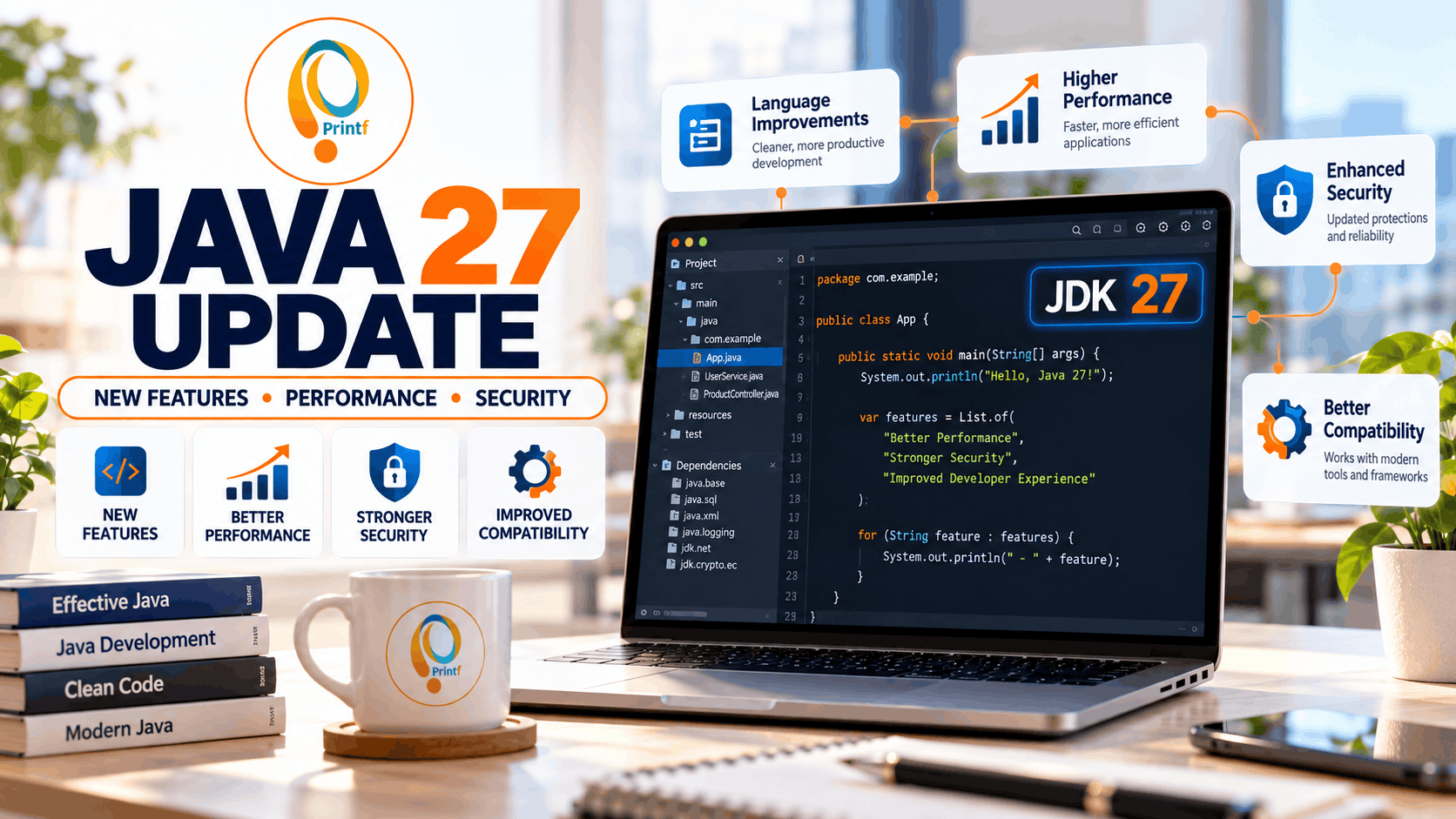
Java continues to evolve with new features, performance improvements, and security enhancements for developers. The latest major release, Java 27, became generally available in September 2026. In this blog, we explore the latest Java update, important changes, developer-focused improvements, compatibility considerations, and what Java programmers should know before upgrading. Whether you're a beginner or an experienced developer, this guide will help you understand what's changing in the Java ecosystem.
What Is the Latest Java Update in 2026?
Java remains one of the most widely used programming languages for enterprise applications, backend development, cloud services, and Android-related development. Oracle's official release information lists JDK 27 as the latest major Java release, with general availability announced on September 15, 2026.
A Java update can include new language capabilities, improvements to the Java Virtual Machine (JVM), library enhancements, performance optimizations, and security fixes. These updates help developers build and maintain applications more efficiently.
It is important to understand that not every Java release introduces major changes to everyday coding. Some updates focus on internal improvements that make applications more reliable, secure, or efficient.
Developers should review the official release notes to understand which features are finalized, which are experimental or preview features, and whether an update affects their existing applications.
What Are the Key New Features in Java 27?
Java 27 introduces changes that developers should examine through the official JDK 27 release notes. When reviewing the update, pay attention to improvements across the Java language, core libraries, JVM, developer tools, and runtime behavior.
Java language improvements: Language updates can make code easier to read, maintain, and write. Developers should check the release documentation for new syntax, language capabilities, and any preview features that require special compiler options.
Performance and JVM enhancements: JVM improvements can affect application startup, memory management, execution efficiency, and runtime stability. The impact depends on the application, workload, and runtime configuration, so developers should benchmark their own projects before expecting performance gains.
Library and developer-tool updates: Changes to standard libraries and development tools can improve compatibility, simplify common programming tasks, and help developers maintain modern applications.
Security and reliability: Regular Java updates may contain security fixes and other important corrections. Developers should check the release-specific security information rather than assuming every release has the same fixes.
For accurate feature details, refer to the official Java 27 release notes: https://wwwcmsapi.oracle.com/java/technologies/javase/27all-relnotes.html
How Does the Java 27 Update Benefit Developers?
The benefits of a Java update depend on the features included in the release and how an application uses them. For developers, newer JDK versions provide an opportunity to adopt supported improvements, review existing code, and keep development environments current.
Better development workflows: Language and tool improvements may reduce repetitive work and make some programming tasks easier to manage.
Application performance: Runtime changes may improve performance for certain workloads. Developers should test startup time, memory consumption, response time, and throughput to determine whether their applications benefit.
Improved maintenance: Keeping Java applications on supported and appropriately maintained versions helps teams manage compatibility, address vulnerabilities, and plan future upgrades.
Modern application development: Java continues to support backend systems, APIs, financial platforms, enterprise software, and cloud-based applications. Understanding new releases helps developers make informed technical decisions when maintaining or building these systems.
However, upgrading to the newest major version is not automatically the best choice for every project. Production applications may depend on frameworks, libraries, build tools, and infrastructure that need compatibility testing first.
Java 27 vs Java 25 and Java 21 — What Should You Know?
Java versions differ in their features, support arrangements, and suitability for different projects. Java 21 and Java 25 are important long-term support (LTS) releases, while Java 27 is a newer feature release. The support model and available updates depend on the JDK vendor and distribution.
Java 21: A mature LTS option for teams that prioritize a stable upgrade baseline and broad ecosystem compatibility.
Java 25: A newer LTS option for teams that want a more recent Java platform with a long-term support path.
Java 27: The latest major feature release in this guide, intended for developers who want to explore newer platform changes and can validate compatibility with their existing technology stack.
Before choosing a version, review your framework's supported Java versions, your organization's support requirements, your deployment environment, and the maintenance policy of your JDK vendor.
A sensible approach is to test the target version in a development environment, run automated tests, check dependencies, and measure performance before deploying it to production.
How to Upgrade to Java 27 Safely
Upgrading to Java 27 should begin with preparation rather than immediately changing the production runtime. A structured upgrade process helps developers identify compatibility issues early and reduce deployment risks.
Step 1: Check your current Java version. Run java -version in your terminal to identify the active Java runtime. Also check the JDK used by your IDE and build system.
Step 2: Review the official release notes. Read the Java 27 documentation for new features, removed or deprecated functionality, compatibility concerns, and security-related changes.
Step 3: Check framework and library compatibility. Confirm that your application framework, dependencies, build tools, plugins, and deployment platform support the target JDK.
Step 4: Install the appropriate JDK. Choose a JDK distribution that meets your project's licensing, security, and support requirements. Update your IDE and build configuration as needed.
Step 5: Build and test your application. Run unit tests, integration tests, API tests, and any relevant performance benchmarks. Review compiler warnings and runtime logs.
Step 6: Deploy gradually. Use a staging environment before production. Monitor errors, response times, memory usage, and application behavior after deployment.
For official downloads and release documentation, visit the Java website: https://www.oracle.com/java/technologies/downloads/
Conclusion : Is the Java 27 Update Worth Exploring?
Java 27 is an important release for developers who want to stay informed about the latest Java platform developments. Its practical value depends on the specific changes, the needs of your application, and the compatibility of your development stack.
Before upgrading, review the official release notes, verify framework support, and test your application thoroughly. Teams that need long-term stability should also compare Java 27 with supported LTS versions such as Java 21 and Java 25.
Keeping up with Java updates helps developers make better decisions about performance, security, compatibility, and application maintenance.